











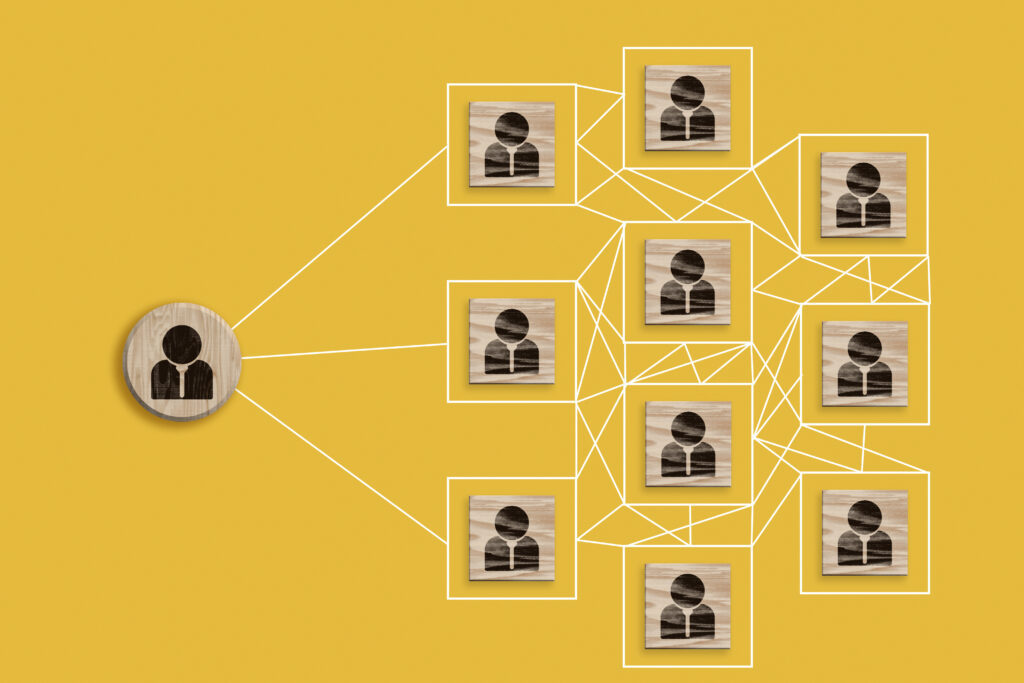
Last week, I attended a training session on link analysis with TXLEAN – the Texas Law Enforcement Agency Network. Link analysis is a valuable and powerful tool to fight traditional crime, but it’s even more central to online investigations against cybercrime. Here’s what I learned.
What is link analysis?
- Link analysis is a method used in criminal investigations and intelligence work to identify and visualize relationships between entities such as people, locations, events, organizations, phone numbers, emails, bank accounts, and more. It reveals patterns of interaction, common connections, and hidden networks by mapping out and analyzing relationships from disparate data sources.
The key elements of link analysis can be summarized as follows:
- Nodes (entities): Individuals, organizations, addresses, phones, vehicles, etc.
- Edges (links): Relationships between nodes (phone calls, meetings, money transfers, etc.)
- Centrality: Identifies the most "important" nodes (suspects, intermediaries).
- Clusters/Communities: Groups of highly connected nodes — possible criminal cells.
How does link analysis help solving criminal cases?
Link analysis connects a suspect to accomplices, witnesses, or victims across multiple cases. It helps identify shared locations, modus operandi (MO), or communication patterns. It also highlights unknown associates or intermediaries in organized crime networks, detects money laundering, fraud rings, or gang affiliation. Finally, it also helps correlate phone records, financial transactions, social media, and license plate scans.
Add Your Heading Text Here
Imagine a suspect is arrested for burglary. During the investigation, phone metadata shows repeated calls to another individual (Node B). Node B is already known to police from a prior vehicle theft case. Both cases happened in neighbourhoods within a 10-km radius and used the same entry technique. A third person (Node C) appears on both suspects’ call logs and is seen on CCTV footage near both crime scenes.

Link analysis now suggests:
A criminal network involving Nodes A, B, and C.
Possible shared MO and geographic preference.
A need to investigate Node C further as a possible ringleader or enabler.
Key Indicators to identify suspects
The primary metrics used in link analysis for a case like our example are:
- Degree: how many connections a suspect has, indicating activity level.
- Betweenness: nodes that act as bridges, useful for identifying intermediaries.
- Closeness: how quickly a subsject canreach others in a network.
- Eigenvector: indicates influence, a suspect connected to other important players.

The advantages of using Power BI for this type of analysis are that you can consolidate the data sets and take advantage of the filtering capabilities of Power BI to make sense of complex data. With advanced options in the chart, you can also know how meaningful relationships are between nodes by the link’s thickness and distinguish the link type by assigning a different colour to meaningful categories.
The disadvantage is that having a clear picture of the entire situation in a real-case scenario is not always possible:

While Power BI can help make sense of small crime series quickly, more complex situations can be challenging to read and interpret. This is particularly true with cybercrime investigation cases, where there are multiple nodes to be considered and hundreds or thousands of relationships to investigate.
Conducting link analysis with R to investigate a cyberincident
More flexible tools (that require coding), like R, might be a better solution simply because they allow you to customize the chart more fittingly and to interpret more complex cases. Below is a link analysis example for investigating a data breach.

This chart can be further enhanced to account for additional variables and ranking. For example, we can visualize the same series of events in conjunction with a timeline of the incidents, as shown below:

Like in any other type of analysis, different tools will provide better link analysis capabilities than others. From canned tools with some degree of customization, like Power BI, to coding tools that allow you to create ad hoc charts, the power of visualization helps investigators and analysts find hidden connections in datasets and episodes that would otherwise be difficult to see.